What is 4-color process printing (full-color printing)?

Creating Data
Full Colour Printing
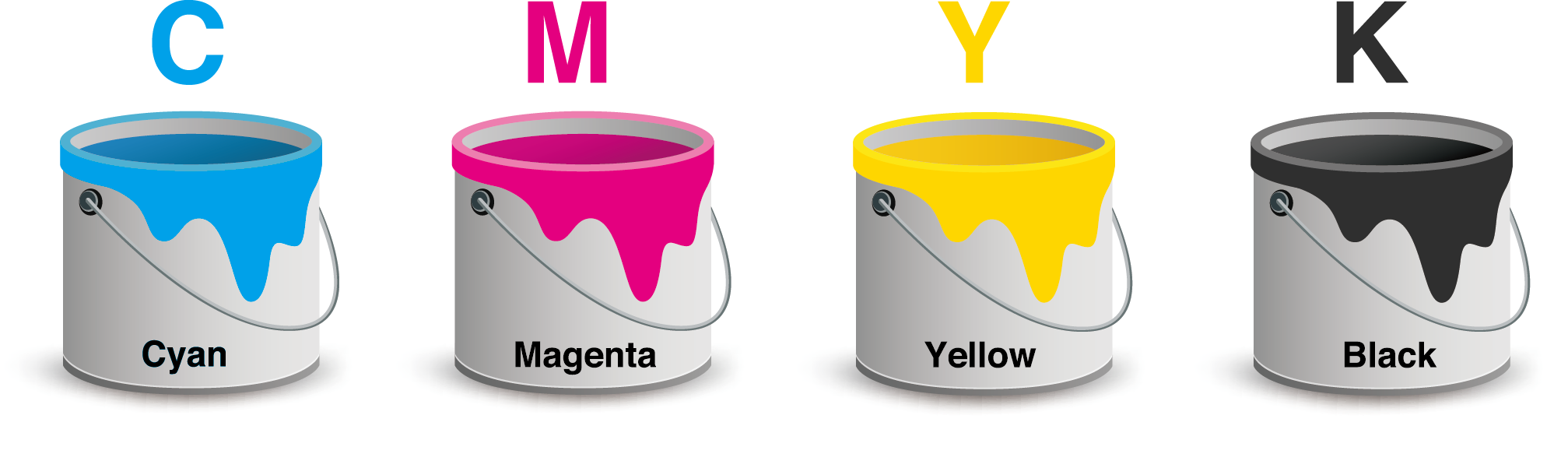
Full-color printing uses four ink colors — Cyan (C),Magenta (M),Yellow (Y),and Black (K) — also called CMYK. By layering and mixing these four inks in different percentages, a wide range of printable colors can be reproduced.
This method is used for both offset printing and digital printing.
About Color Reproduction
Because CMYK printing relies on mixing ink on paper, some color variation is unavoidable.
This means colors may vary slightly between:
- one print run and another
- different machines
- different paper types
Offset presses generally offer more consistent color than digital presses, but even then, small variations are normal in CMYK printing.
What do 4c/4c, 4c/1c, and 4c/0c mean?
These terms indicate how many colors are printed on each side of the sheet.
Front
Back
4c / 4c
CMYK full color
CMYK full color

This means both sides are printed using all four CMYK inks.
Front
Back
4c / 0c
CMYK full color
No printing
Only the front side is printed.

Important: About Grayscale Images If you want the back or front to print in true grayscale (black ink only):
You must convert the image to Grayscale mode in Photoshop first.
Even if the image looks black-and-white on screen:
- If it is still in RGB or CMYK mode, Illustrator will treat it as a color image, which causes the press to use multiple inks (CMY+K) to reproduce gray.
This can result in:
- unexpected color shifts (bluish-gray, reddish-gray, etc.)
- inconsistent tone
- printing with multiple plates instead of one
✔ Correct procedure
Before placing the image in Illustrator or InDesign:
- Open the image in Photoshop
- Convert it to Image → Mode → Grayscale
- Save and place into your layout
This ensures the gray prints using only black ink, as intended.


 Japan
Japan